Terminal Toolbox for Mac
Termi transforms terminal workflows into simple toggles. Take full control of your Mac with visual command presets.
Termi transforms terminal workflows into simple toggles. Take full control of your Mac with visual command presets.
How it works
A clear panel, and your Mac just does what you set.
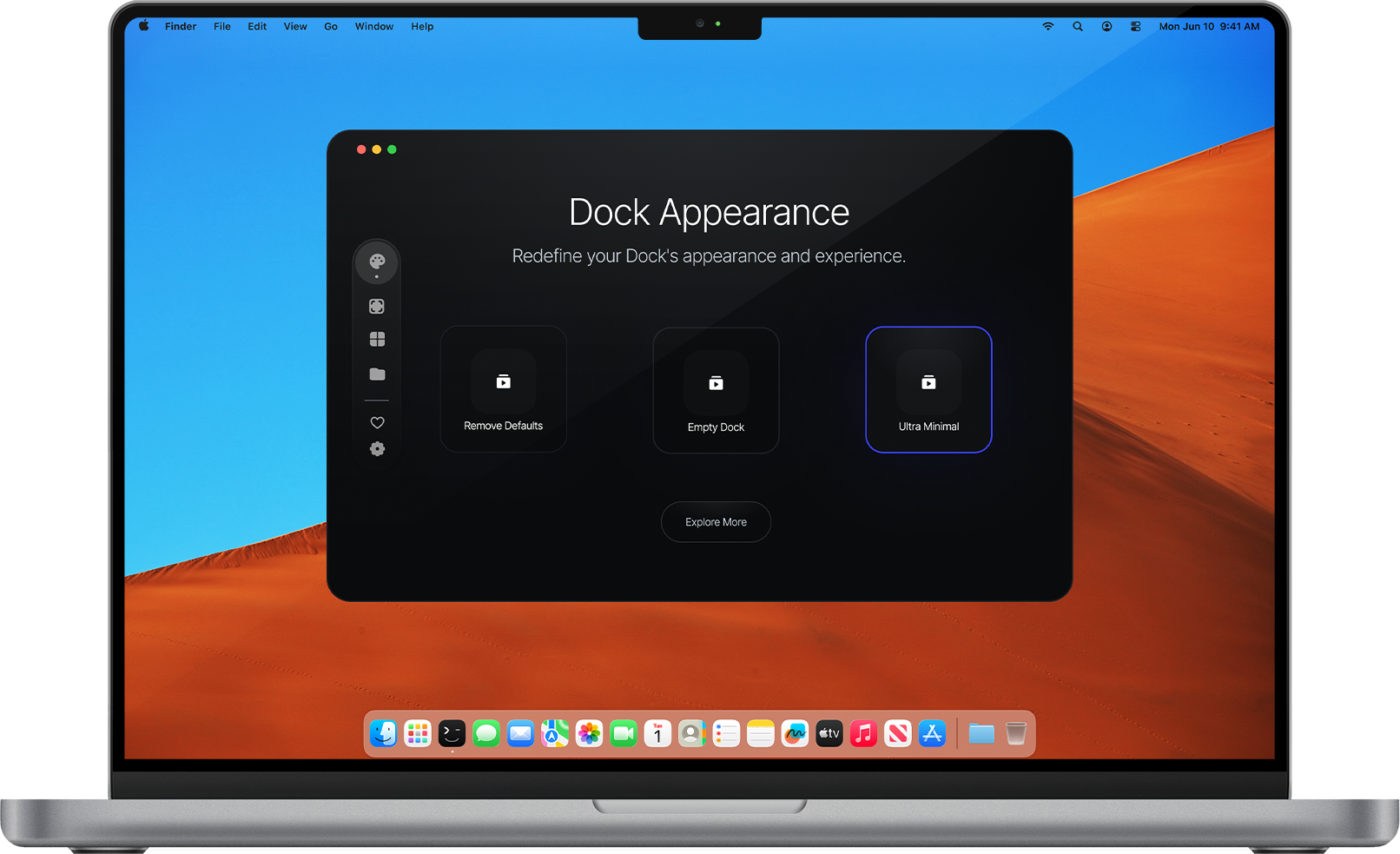
Features
Every important macOS setting, simplified into one visual toggle flow.
Your Dock appears the moment after 1 second your cursor hits the edge.
Take control of your menu bar to match your wallpaper.
Automatically cycle wallpapers based on time, weather, or your focus mode.
Safely boost your Mac's maximum volume beyond standard limits with a simple slider.
Save and switch between custom volume mixes for different apps instantly.
Adjust brightness, contrast, and color temperature.
Keep your Mac awake during specific tasks or times without remembering.
Build once and reuse your most used workflows with one-click execution.
Fine-grained controls, consistent behavior, and fewer clicks every day.
Testimonials
Built for quick command presets and focused macOS productivity workflows.
FAQ
Of course you do. Here are the short answers.
Still confused? Email [email protected]. We usually answer setup questions quickly.